How many your memory capacity?
Use dmidecode to count memory slots, identify empty slots, and inspect the installed RAM capacity and location in a Linux server.
updated 2 min read
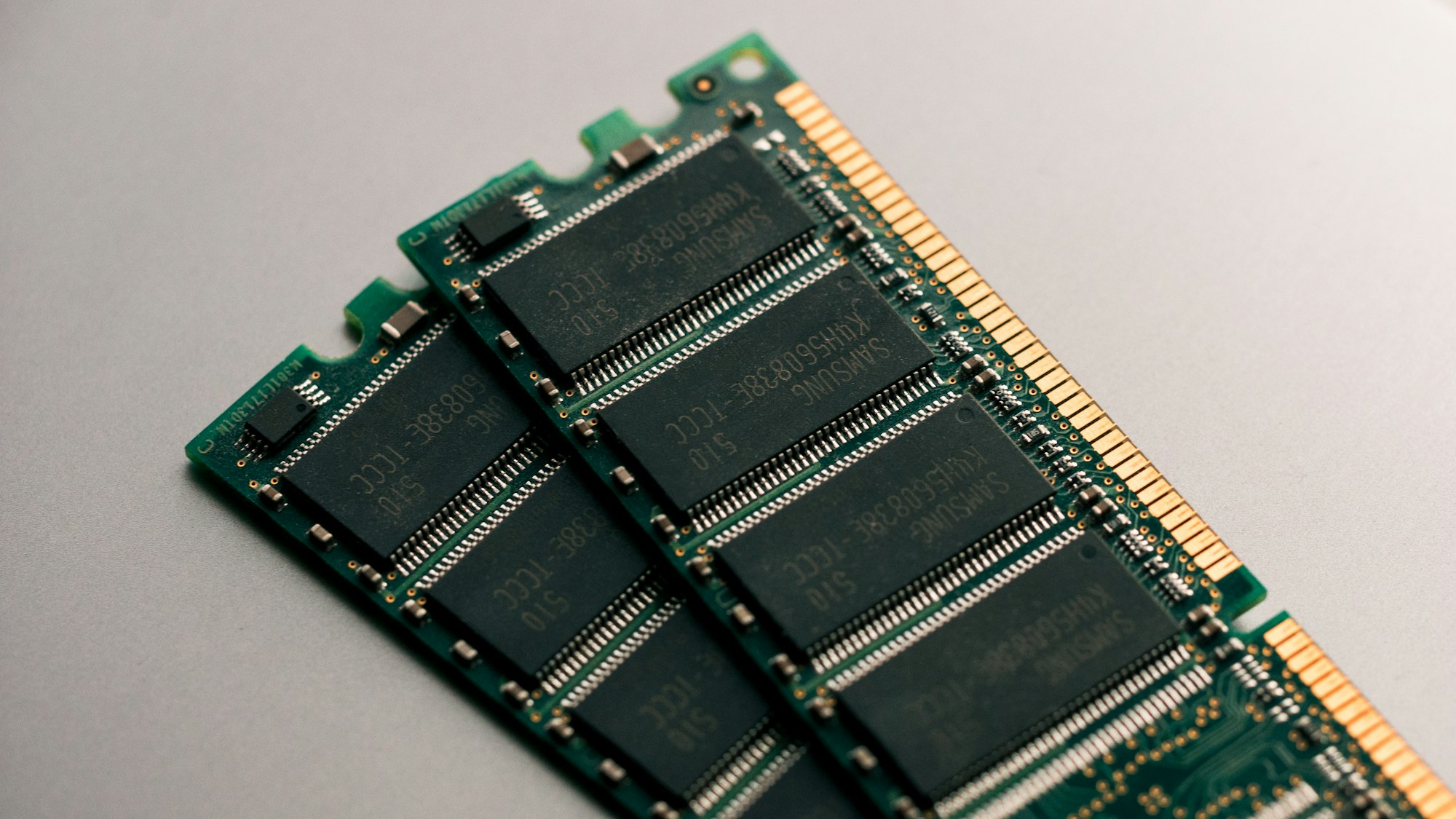
This oneline bash script can show you how much your memory capacity and their slot.
How many your total memory slot?
$ dmidecode --type 17|grep 'Locator'|grep -v 'Bank'|wc -l32How many your available memory slot?
$ dmidecode --type 17|egrep 'No\ Module\ Installed'|cat -n 1 Size: No Module Installed 2 Size: No Module Installed 3 Size: No Module Installed 4 Size: No Module Installed 5 Size: No Module Installed 6 Size: No Module Installed 7 Size: No Module Installed 8 Size: No Module Installed 9 Size: No Module Installed 10 Size: No Module Installed 11 Size: No Module Installed 12 Size: No Module Installed 13 Size: No Module Installed 14 Size: No Module Installed 15 Size: No Module Installed 16 Size: No Module Installed 17 Size: No Module Installed 18 Size: No Module Installed 19 Size: No Module Installed 20 Size: No Module Installed 21 Size: No Module Installed 22 Size: No Module Installed 23 Size: No Module Installed 24 Size: No Module InstalledHow many your size and used memory slot?
$ dmidecode --type 17|egrep 'Size|Locator'|egrep -v 'Bank|No\ Module\ Installed|Locator' | cat -n 1 Size: 64 GB 2 Size: 64 GB 3 Size: 64 GB 4 Size: 64 GB 5 Size: 64 GB 6 Size: 64 GB 7 Size: 64 GB 8 Size: 64 GB