Papir: a tiny scratchpad for your Mac
Papir is a small, private scratchpad that sits in your macOS menu bar, ready for the notes you need now but do not want to organize.
On this page2 sections
Why Papir
I often need somewhere to put a command, a link, or a half-finished thought for a few minutes. Opening a notes app feels like too much, and leaving it in the clipboard is a good way to lose it.
So I made Papir.
What is Papir
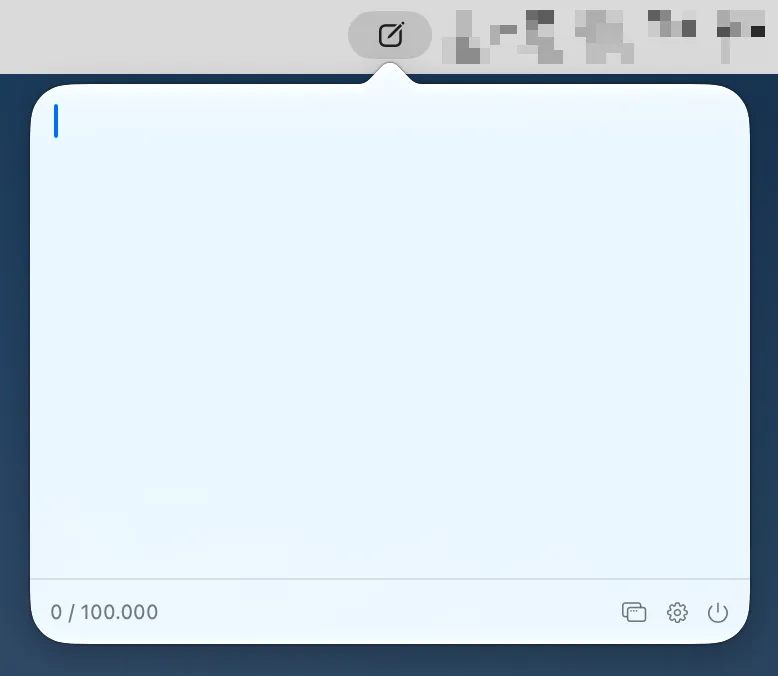
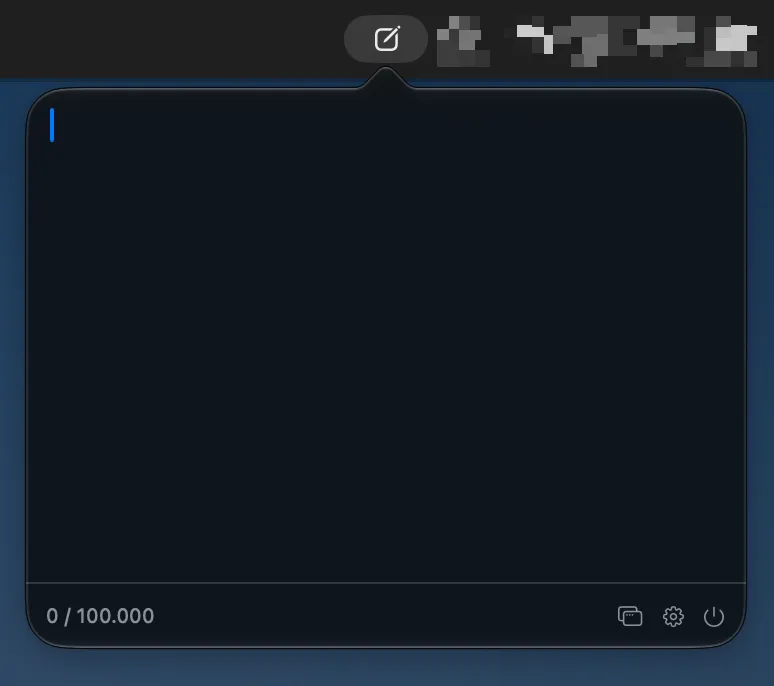
Papir is a small scratchpad that lives in the macOS menu bar. Press Control–Option–T, type or paste whatever you need, then press the shortcut again to get back to work. Your note is saved automatically, so it will still be there the next time you open it.
| Light Mode | Dark Mode |
|---|---|
 |
 |
It is intentionally simple:
- plain text, with no folders or formatting to manage;
- a floating mode when you want the note to stay above other windows;
- adjustable font, font size, and keyboard shortcut;
- optional launch at login;
- no account, analytics, ads, or network requests.
Everything stays on your Mac. Papir is also a native app built with Swift, SwiftUI, and AppKit, with no third-party runtime dependencies.
Papir currently requires macOS 14 or later and an Apple Silicon Mac. The app is not signed yet, so the first launch takes one extra step through System Settings → Privacy & Security → Open Anyway.
If a temporary note deserves an easier home, download Papir from GitHub Releases. It is free and open source, and feedback is welcome.